
Fully Managed Switches
Scale smarter with managed switches featuring PoE, multi-gig speeds, SFP uplinks, and seamless cloud or on-site control.
45 Items
Sort By
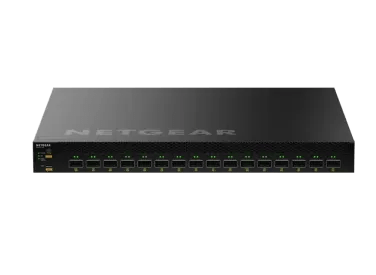

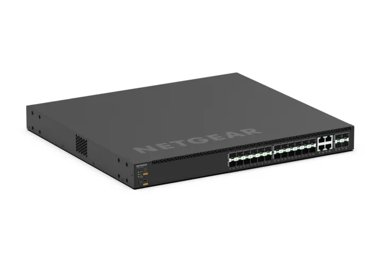


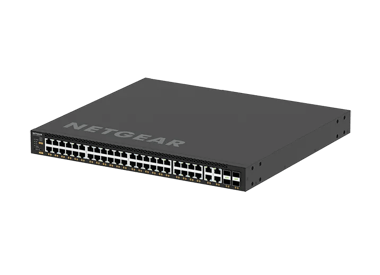
M4350-24X8F8V Fully Managed Switch (XSM4340V)
XSM4340V
- 40 Ports
- PoE++
- Rackmount
- 10 Gigabit / Multi-Gig


Showing 1-12 of 45
FAQs
Layer 2 switches and Layer 3 switches operate at different levels of the OSI model. A Layer 2 switch forwards data frames within the same local network segment using MAC addresses. It is ideal for connecting devices on a single LAN. A Layer 3 switch, or multilayer switch, performs both Layer 2 switching and Layer 3 routing using IP addresses. This allows it to route traffic between different VLANs or subnets without needing a separate router, which is crucial for large, complex networks and high-density AV over IP deployments. For a Pro AV setup, Layer 3 switches provide the necessary advanced features and performance for efficient, scalable networks.
Yes, many NETGEAR switches provide remote and local management options. Some models, such as the Smart Cloud Switches, can be remotely managed through the NETGEAR Insight platform, using either a mobile app or a cloud portal. For AV-specific needs, the M4350 and M4500 series switches feature an AV-centric user interface and can be controlled via the Engage Controller. These switches also feature a service port for out-of-band management.
NETGEAR's managed switches support a variety of routing protocols to suit different network needs. Our M4350 series switches include static routing and dynamic routing protocols like RIP, VRRP, OSPF, and PIM. The M4500 series offers an even more advanced feature set, with static and dynamic routing including VRRPv2, OSPFv3, PIM-SM/SSM, BGP4, and VRF-Lite. Plus, our Gigabit Ethernet Switches with 4 SFP+ Ports support Layer 3 static routing for inter-VLAN traffic.