NH App TopHero desktop

Mobile App


Easily set up, control, and monitor your home network.

App StoreGoogle Play
Easy Setup Hero v1 Desktop

Easy setup and use with the Nighthawk App

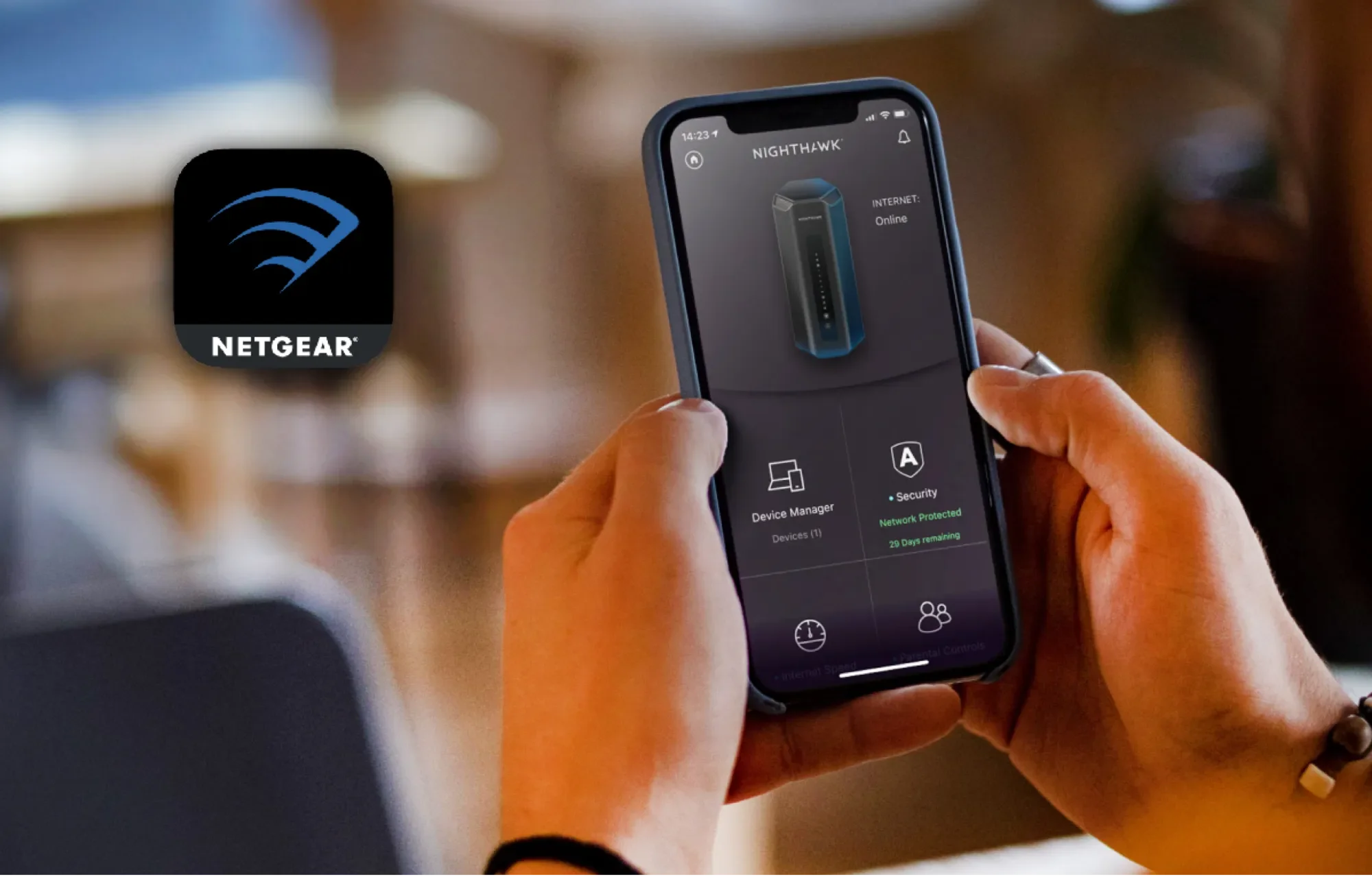
With the Nighthawk app, setup takes just minutes, so you can start enjoying better WiFi sooner. You can also see your connected devices, run an internet speed test, manage your NETGEAR service subscriptions, and more from the palm of your hand.

Network management just a tap away, with the Nighthawk App 

Nighthawk App makes it easy for you to install your router and get quick access to your network information. Features include:

Management dashboard icon

One simple management dashboard

View the status of your network, notifications, and all the features your router offers

Pause internet icon

Pause Internet

Pause the internet to any device

Speed Test icon

Internet Speed Test

Check the broadband speeds from your service provider
Armor icon

NETGEAR Armor

Monitor and protect your devices from the app
And more icon

And more...

Monitor your internet traffic, update firmware, share WiFi with guests and much more

nighthawk revolutionary desktop

Revolutionary performance starts here

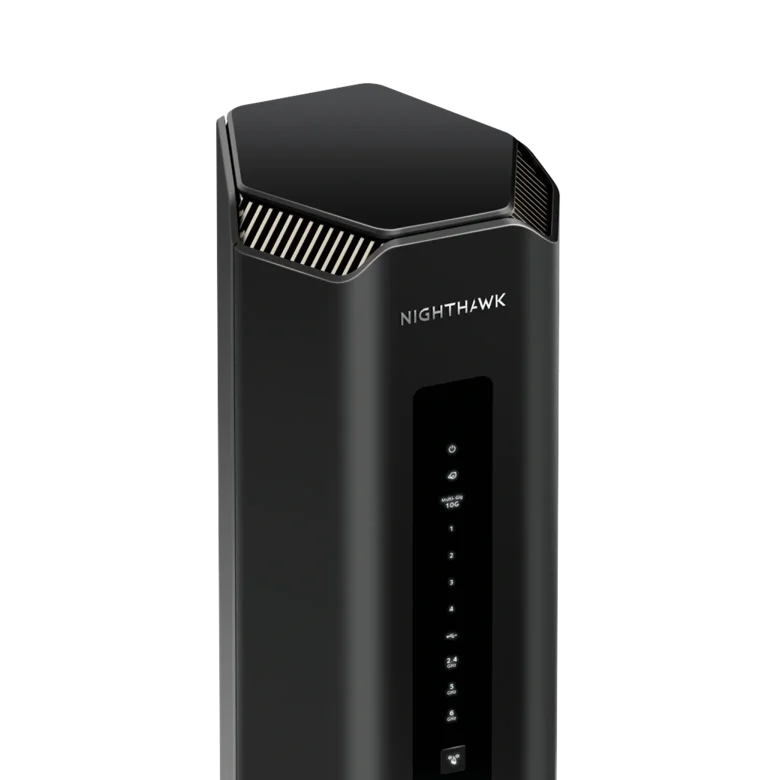
Introducing the Nighthawk RS700S WiFi 7 Router. Unleash speeds up to 19Gbps with the most advanced WiFi ever.

Shop RS700S
NH App Community desktop

Our support and community always has your back

Check out our community pages for any questions you may have. Help is always just a click away.

CommunitySupportNETGEAR Blog

Frequently asked questions

The NETGEAR Nighthawk app is a simple-to-use platform for managing all your NETGEAR Nighthawk devices and services. It offers a clear dashboard containing high-level information about your network overall, your Wi-Fi settings, internet speed, parental control and security settings, and more. The Nighthawk app provides convenient access to your NETGEAR router’s features and allows you to manage your network from anywhere.

The Nighthawk app allows you to conveniently access all the various features of your router. For example, if you have a Nighthawk RS700S WiFi 7 Router , you can fully control it, including completely pausing your Wi-Fi and running system updates. The Nighthawk app provides access to set up and monitor Smart Parental Control features for each device. For maximum protection of your network and devices, the Nighthawk app allows you full access and control of your NETGEAR Armor security settings.

Furthermore, the app allows you to monitor & control features like internet speed, guest Wi-Fi, traffic meter and more. Remote access means you can carry out all of the App’s functions from anywhere you want.

You need the Nighthawk app in order to see your connected devices and access your router features, all from the palm of your hand. Alternatively, you can install and manage your NETGEAR router without using the Nighthawk app. To do so you will need to launch a web browser from a computer or mobile device that is connected to your router’s network and use NETGEAR router login. However, using the Nighthawk app is the easiest way to manage your router’s settings and wireless network.